Formatted as you type
No preview pane. Write Markdown and see the finished document in the same place.
Headings, bold, lists and tables appear right away, just as they will in the finished document. The syntax shows only where your cursor is: always within reach, never in the way.
Free 15-day trial · One-time purchase · No account
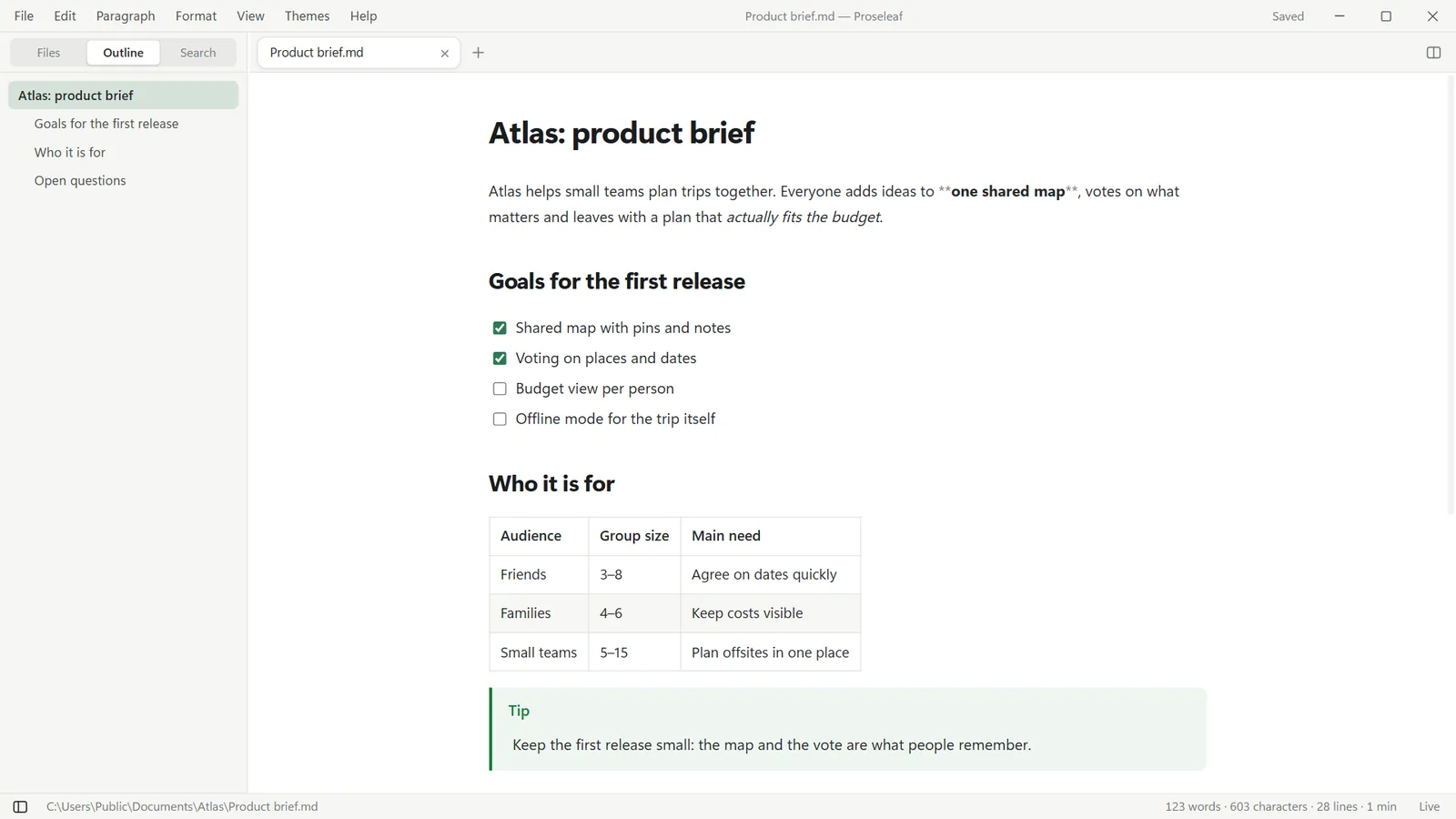
No preview pane. Write Markdown and see the finished document in the same place.
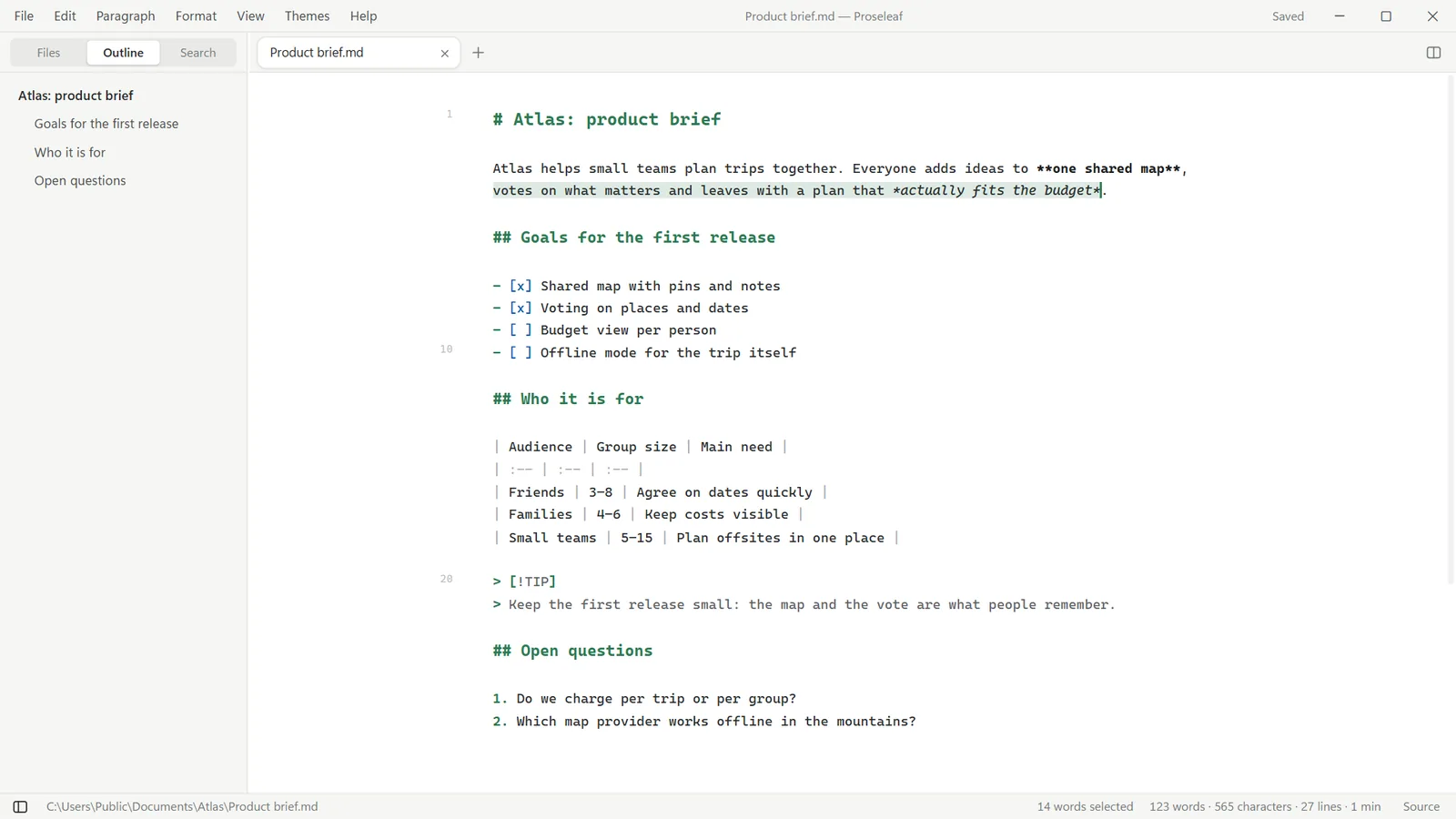
Press Ctrl / to see the raw Markdown. Your cursor and selection stay on the same words.
The rest of the file stays identical, byte for byte. No reformatted tables, no noisy Git diffs.
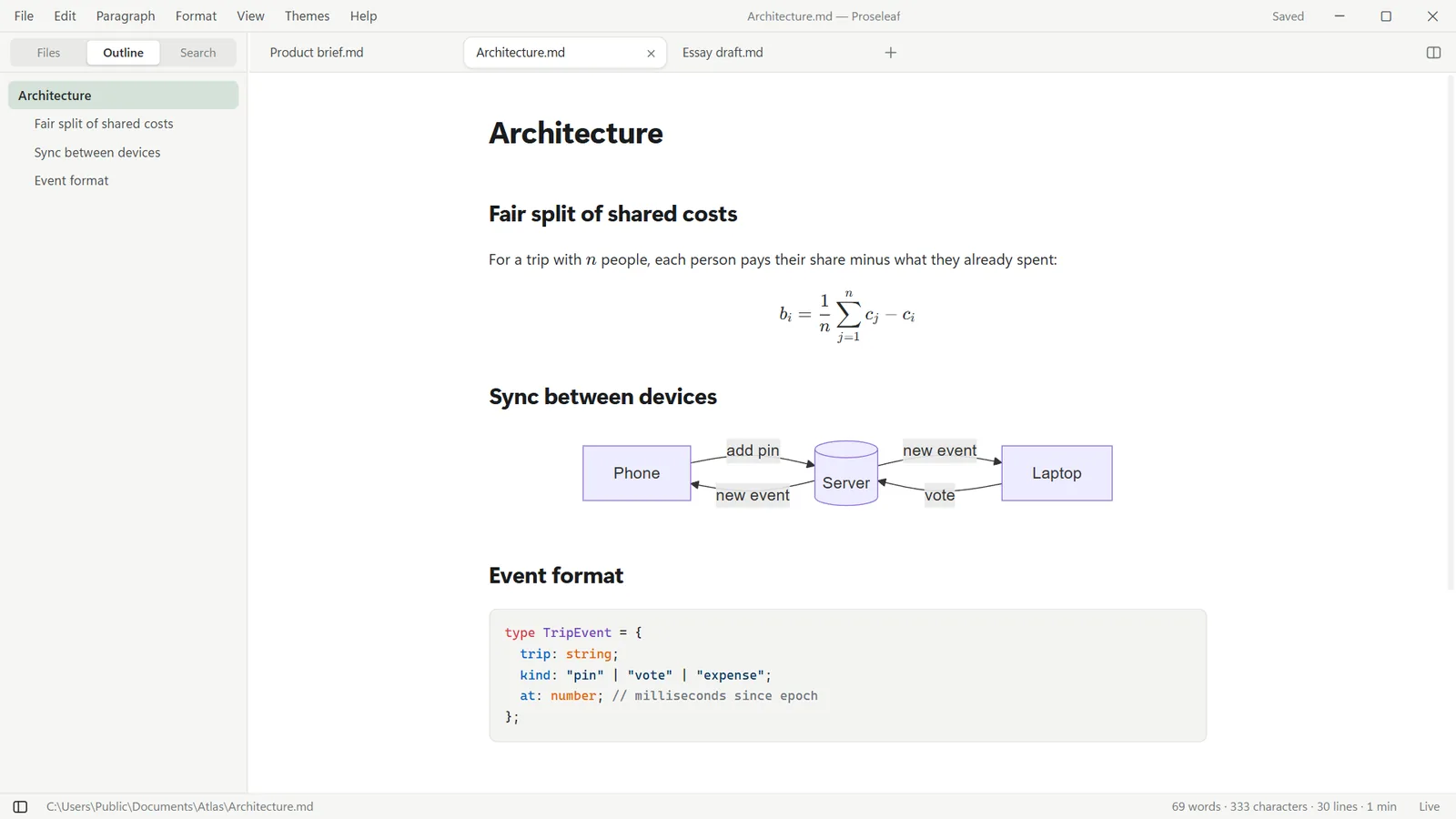
LaTeX formulas, Mermaid, Graphviz, flowcharts, mind maps and charts, drawn live in the text.
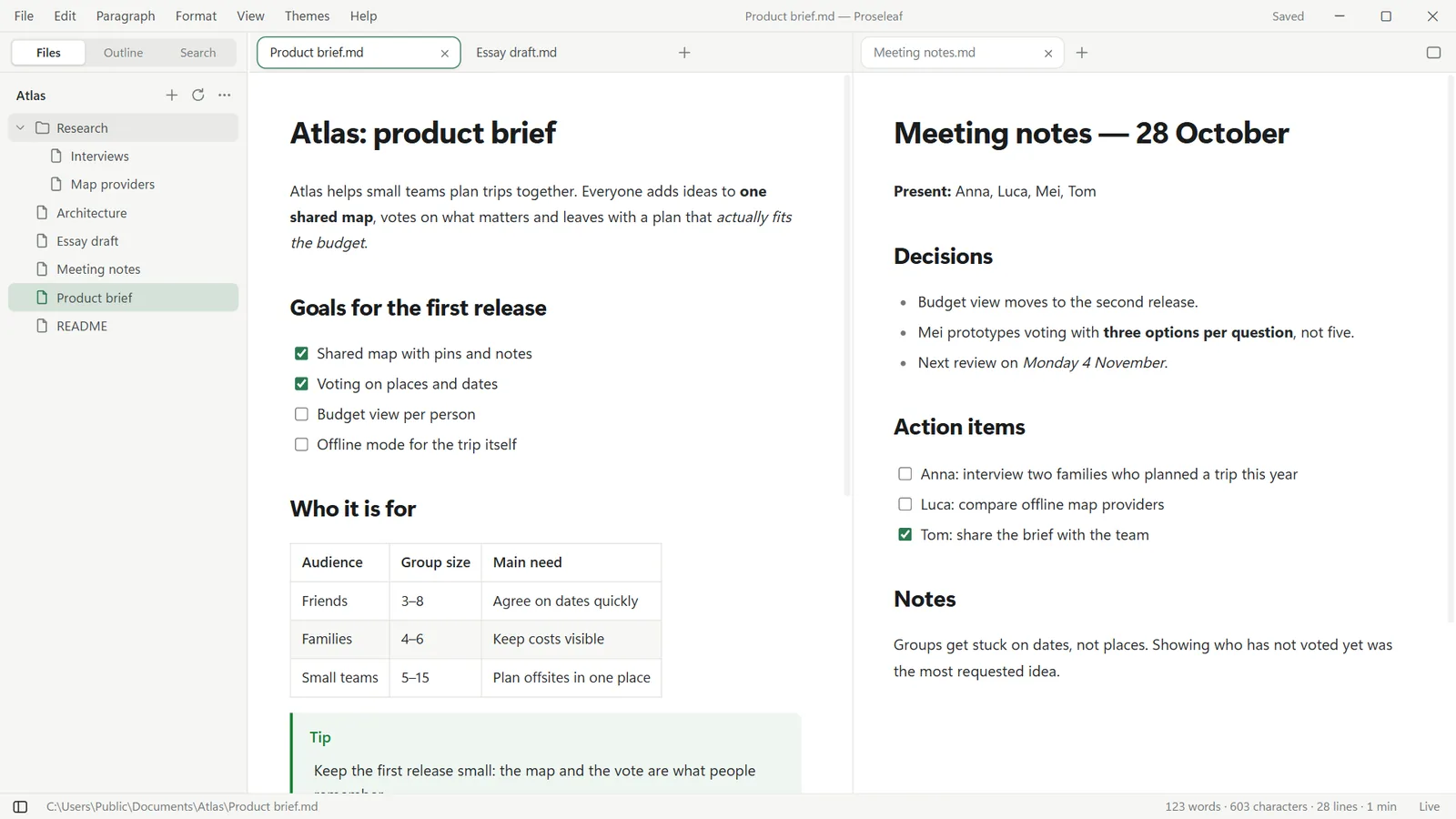
Tabs, split view, folder tree, outline and search across every file in the folder.
Focus and typewriter modes, light and dark themes, and your own CSS themes.
When you want full control, Ctrl / flips to the source. The selection stays on exactly the same text, in both directions. Switch back and keep writing.
Open your notes next to your draft, jump between files from the folder tree and find anything with search in files.
Write a Mermaid diagram or a LaTeX formula and watch it render as you type. Code blocks get syntax highlighting for dozens of languages.
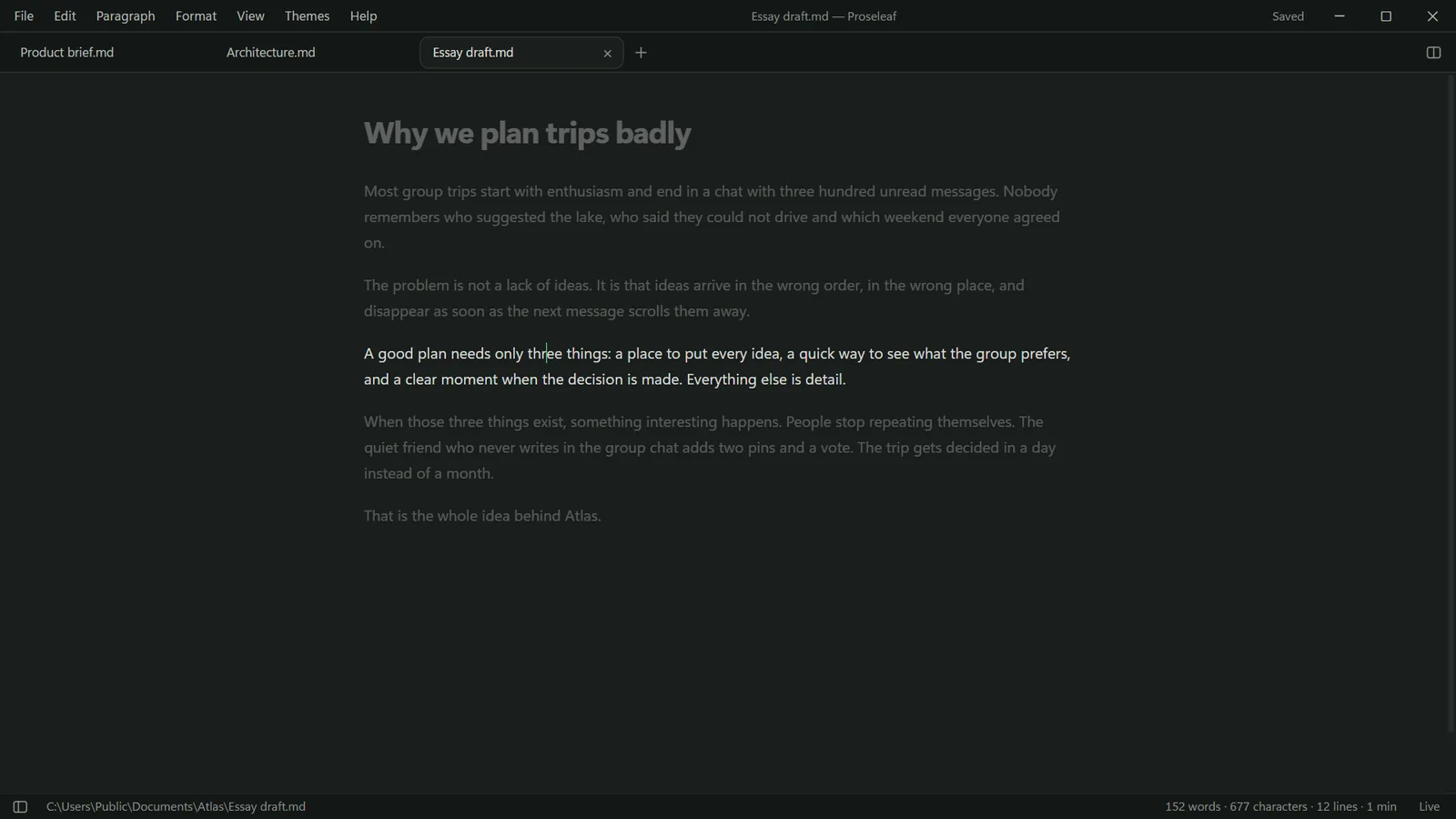
Dim everything except the paragraph you're writing, or let typewriter mode keep your line in the middle of the screen.

Proseleaf works offline, needs no account and collects no data. Your documents are plain .md files on your PC, and they stay exactly as you wrote them.
Try every feature free for 15 days, then buy it once.
No. You buy Proseleaf once from the Microsoft Store. Before buying you can use every feature free for 15 days.
Yes, it's on the way. Proseleaf for Mac is coming to the Mac App Store soon.
Only where you edit them. Your documents stay standard Markdown files, and Proseleaf saves only the parts you changed, so the rest stays identical.
No. Proseleaf works fully offline and never asks you to sign in.
English, Italian, German, French, Spanish, Portuguese and Japanese.